RDS
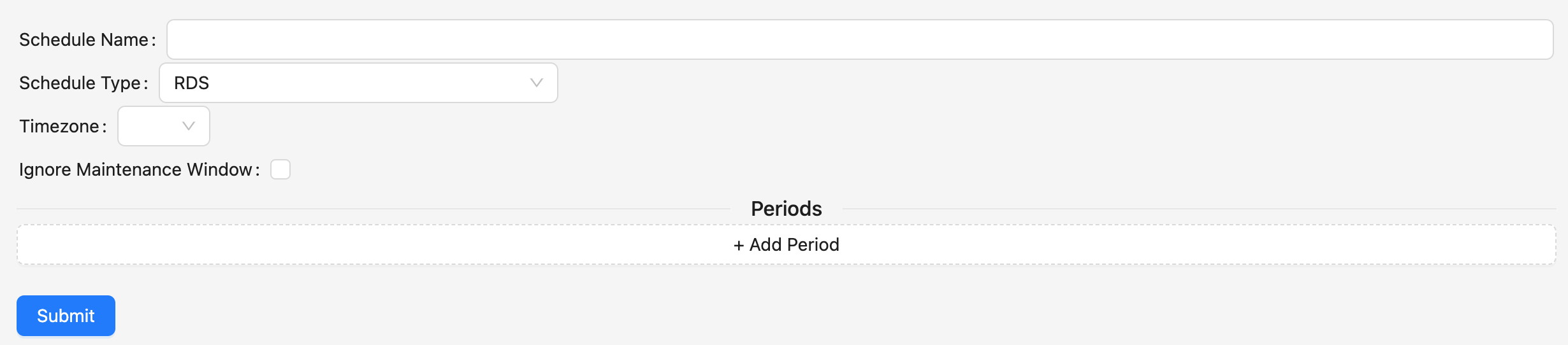
RDS does not have any default values. When a scheduled RDS resource has no active periods, SkySaver will stop the resource.
Supported RDS Types
SkySaver supports scheduling for multiple RDS resource types:
| Type | Start/Stop | Instance Type Changes | Serverless Scaling |
|---|---|---|---|
| RDS Instances | ✅ | ✅ | N/A |
| Aurora Clusters | ✅ | ✅ | N/A |
| Aurora Serverless v2 | N/A (always on) | N/A | ✅ Min/Max ACU |
For period-specific configuration options like instance type changes and serverless scaling, see RDS Period Settings.
Multi-AZ RDS clusters that are not Aurora and not serverless cannot be stopped by SkySaver. This is an AWS limitation - standard Multi-AZ deployments do not support stopping. Consider using Aurora or Aurora Serverless for schedulable Multi-AZ databases.
Ignore Maintenance Window
When enabled (the default), SkySaver applies schedule changes immediately without waiting for the AWS maintenance window. Disable this setting if you want scheduling operations to respect your configured maintenance window.